1
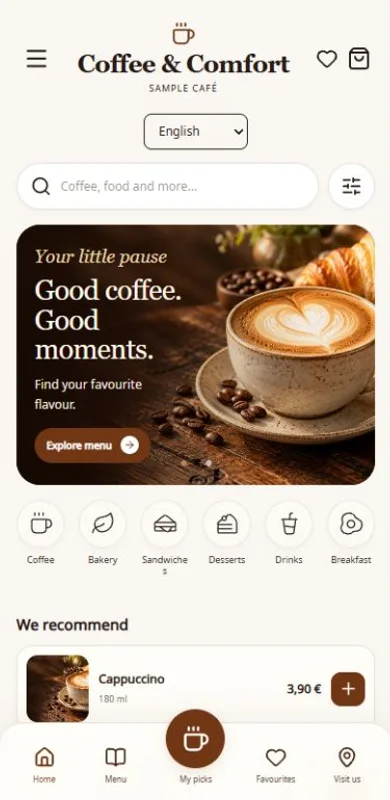
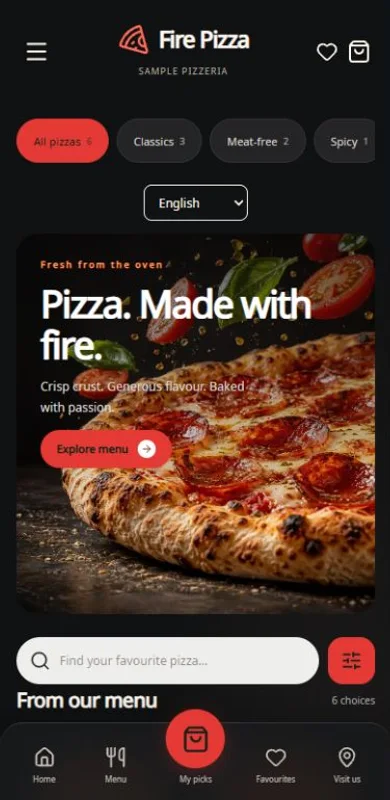
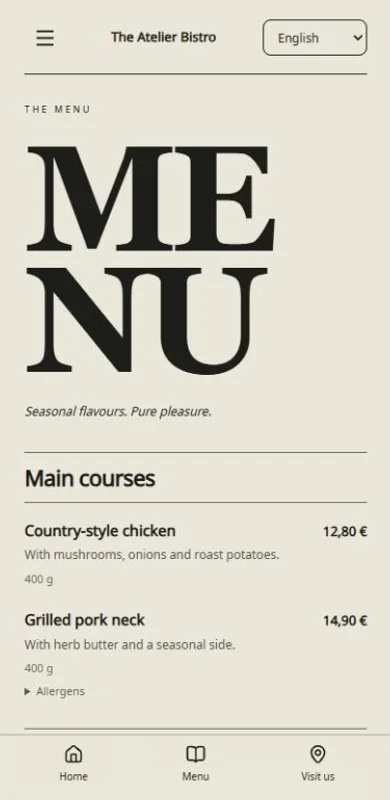
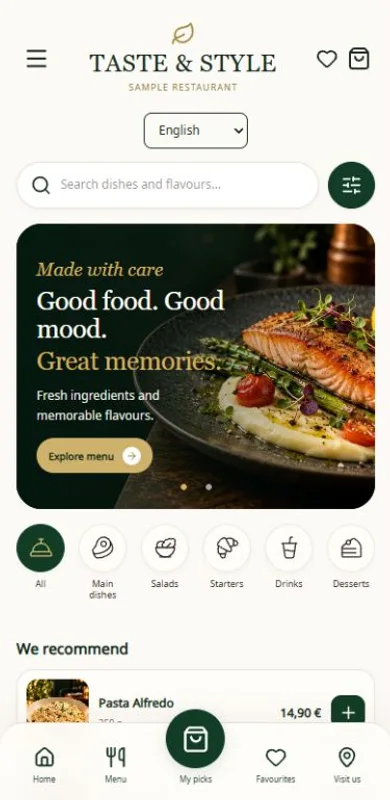
Choose a design
Find the style that suits your venue.


Create a QR menu with photos. Update prices and availability anytime.
Scan and explore as a guest. No registration needed.
Open demoFind the style that suits your venue.
Add dishes, drinks and prices. Use your photos or ours.
Publish your menu. Guests scan and explore.
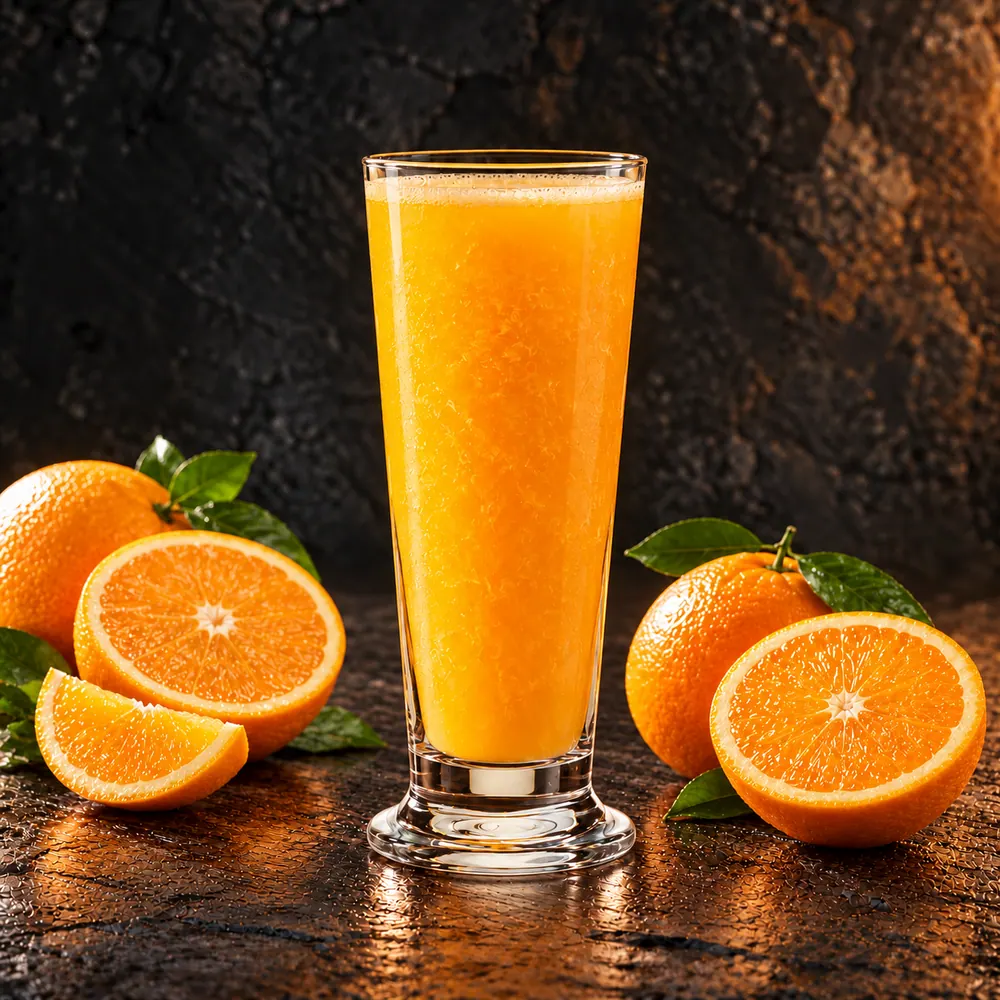
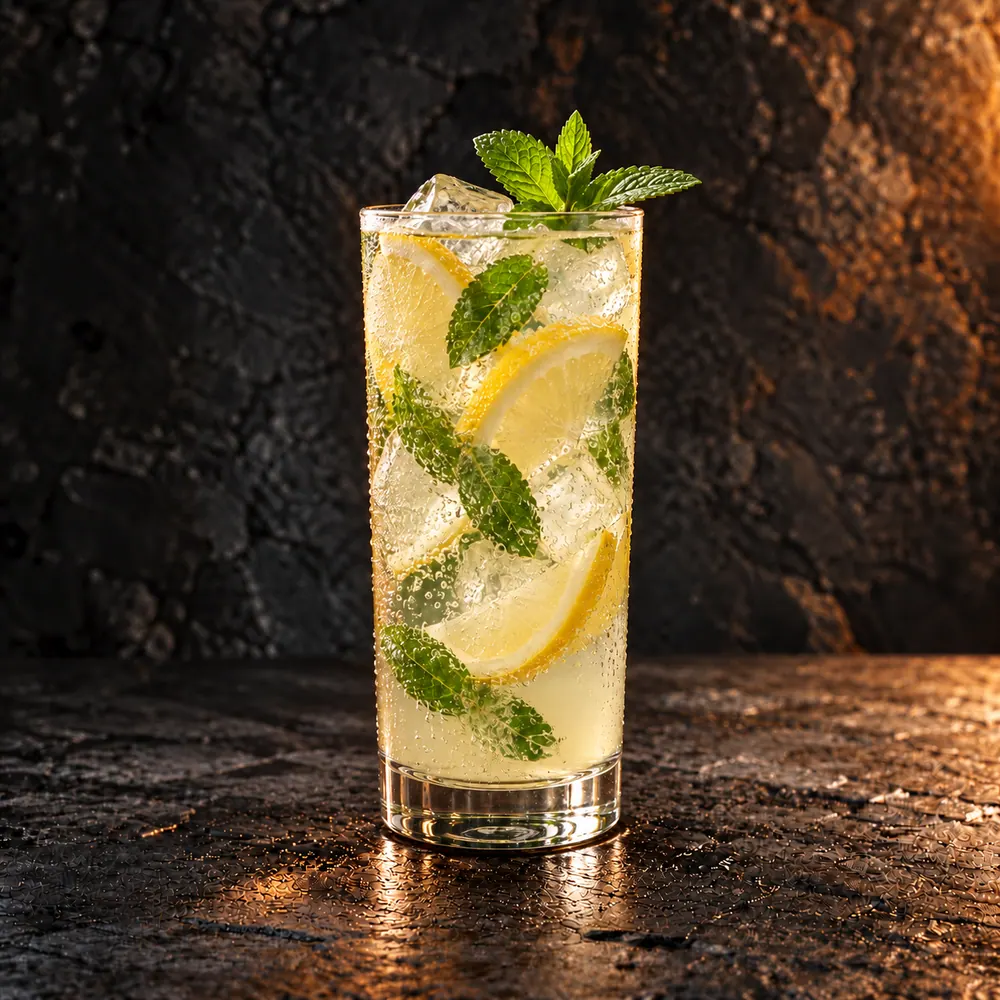
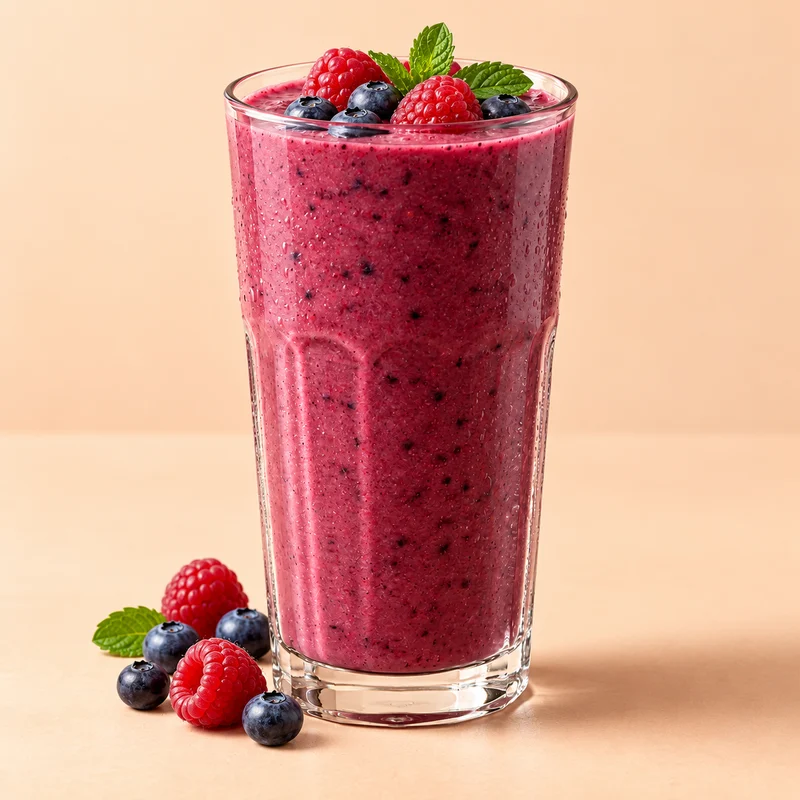
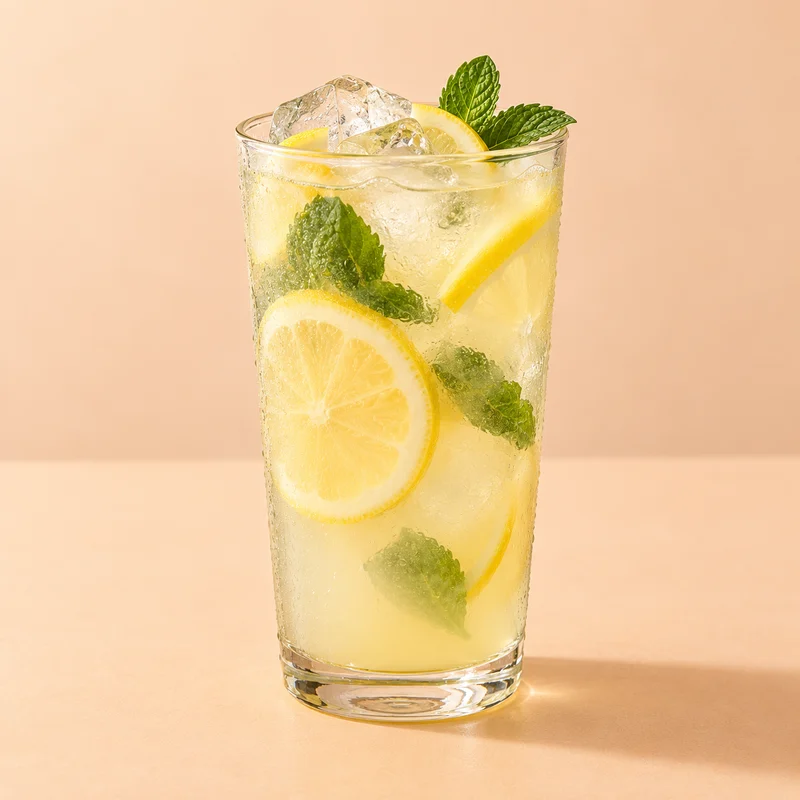
Choose from our extensive gallery or create a new AI image right in Menumexa. Describe the product and choose a background that suits your menu.
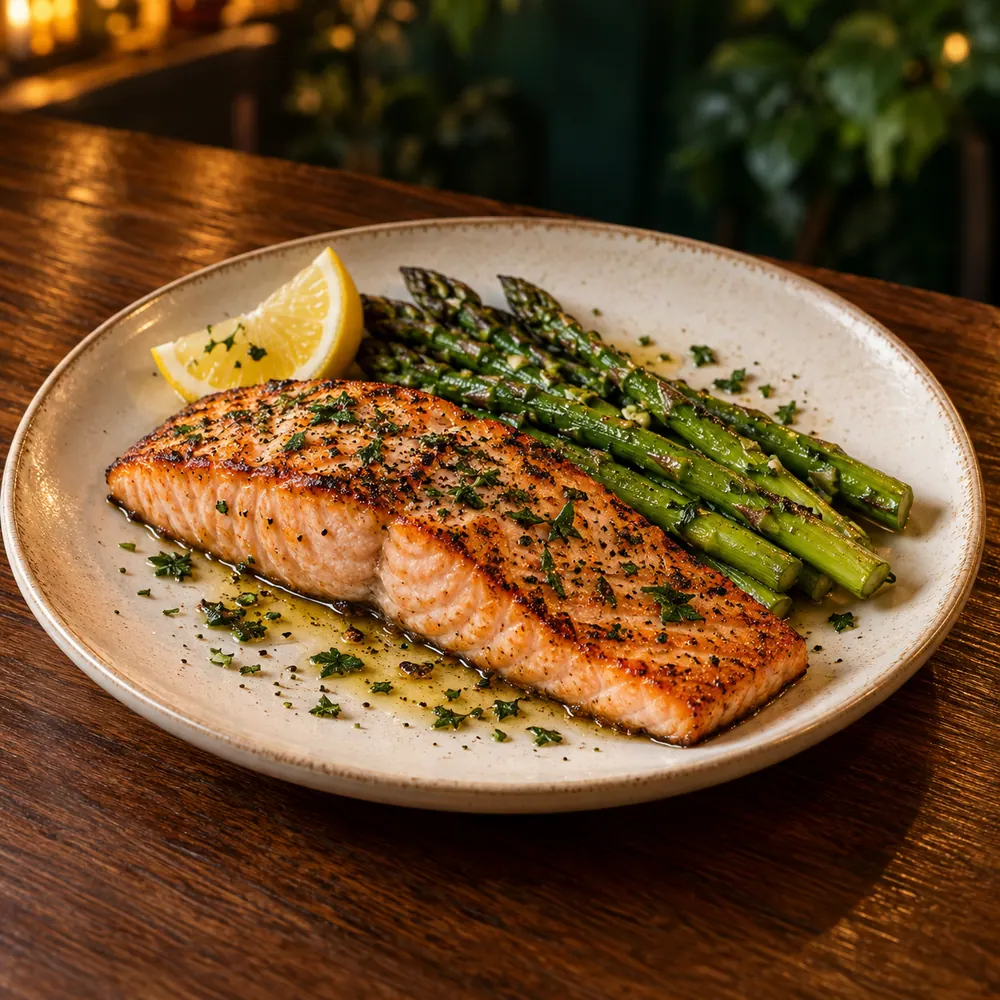
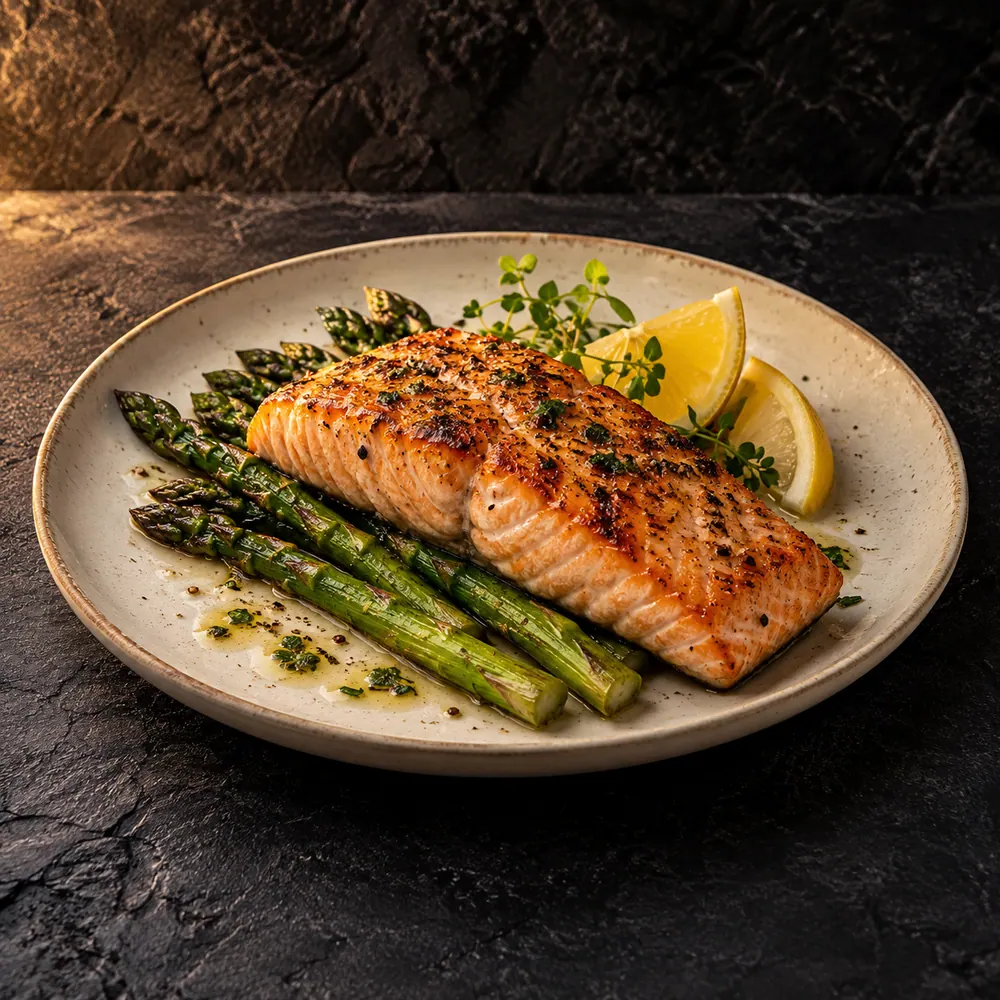
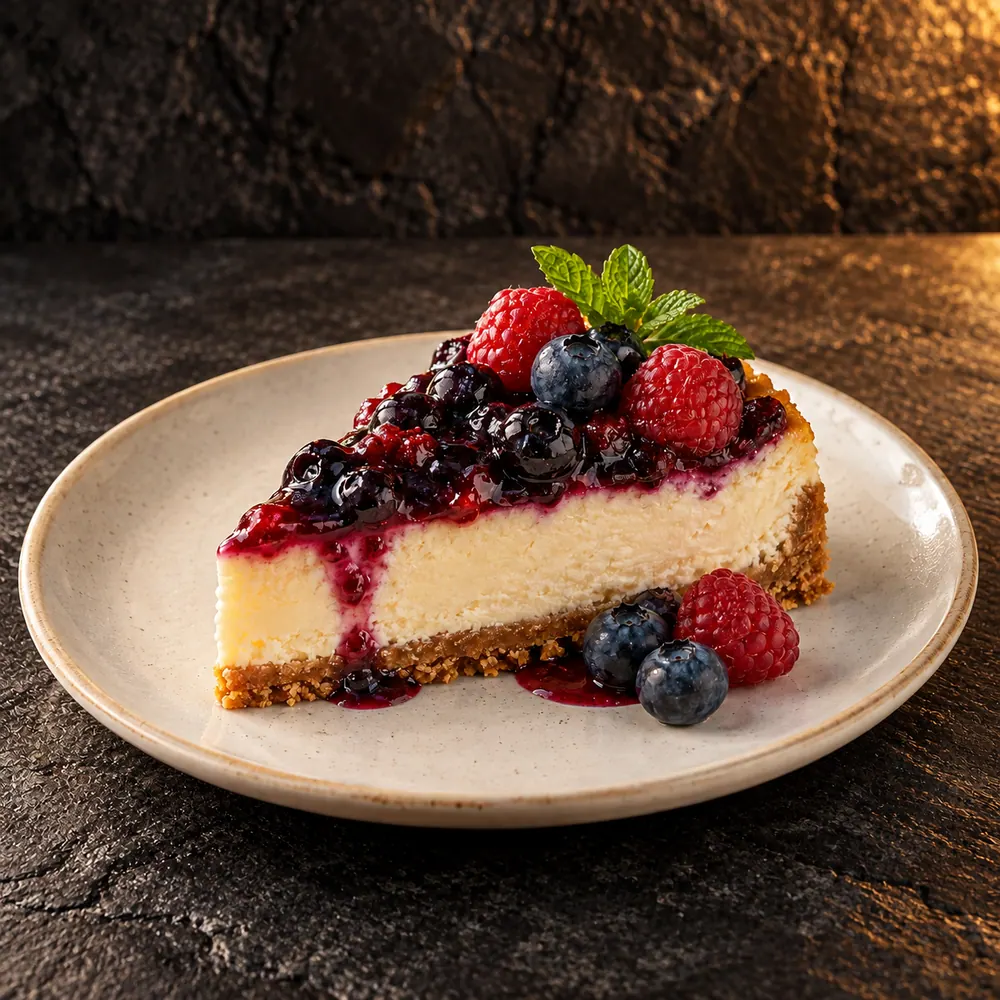
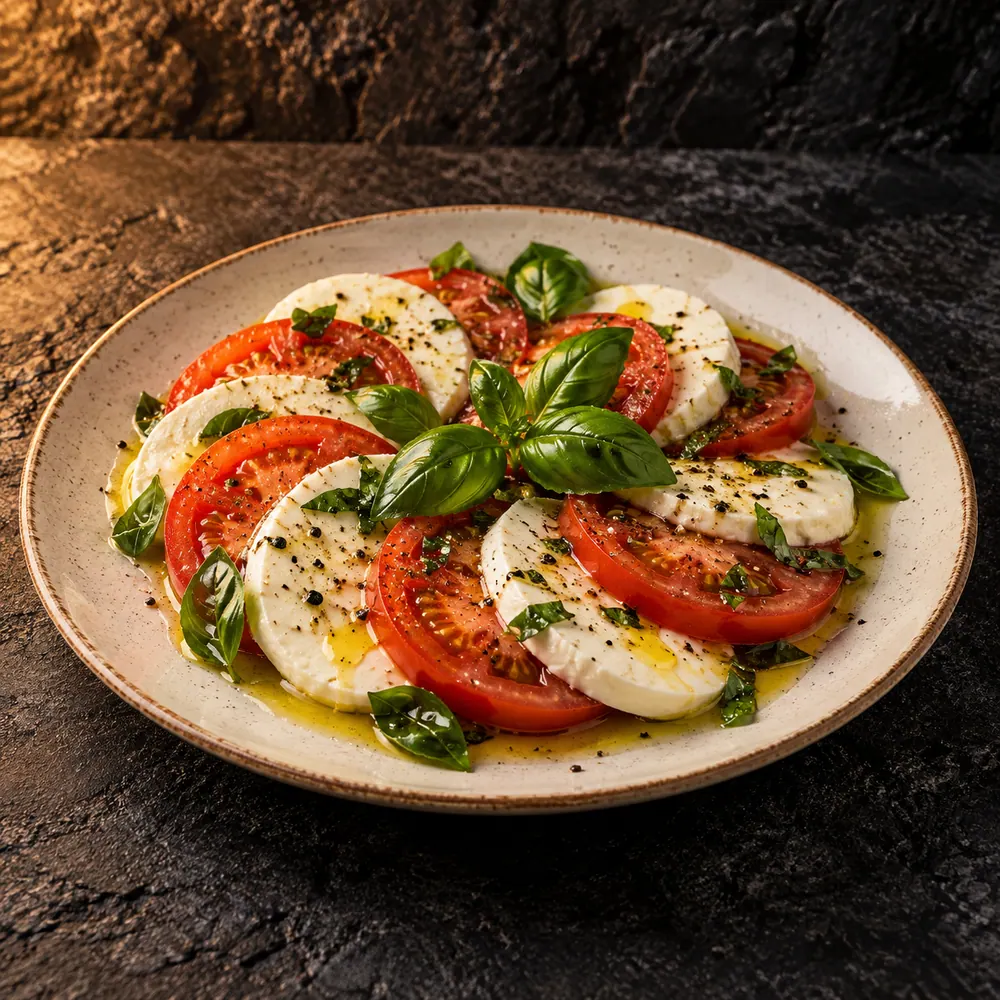
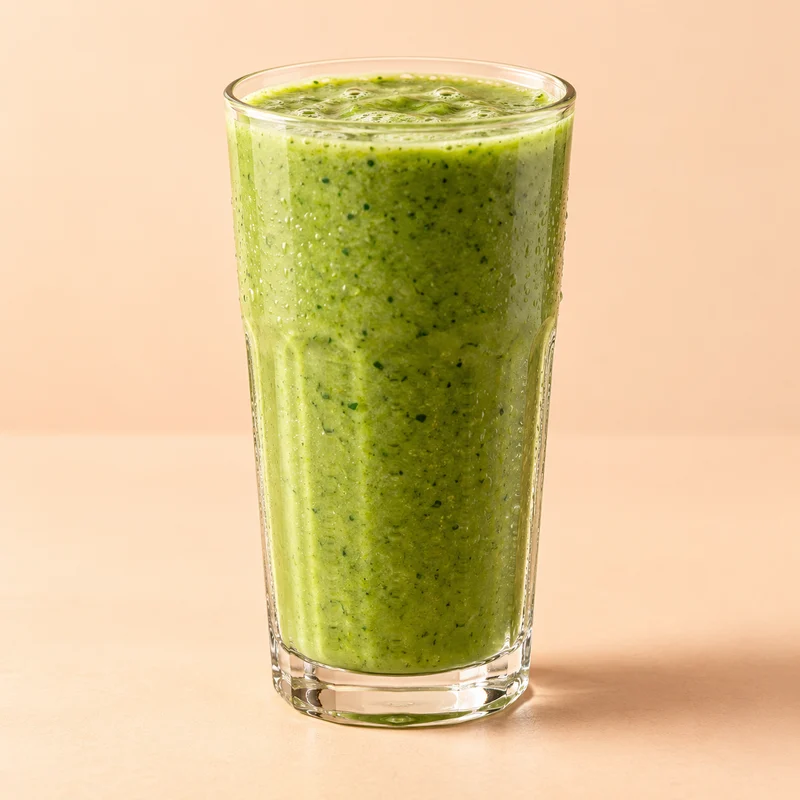
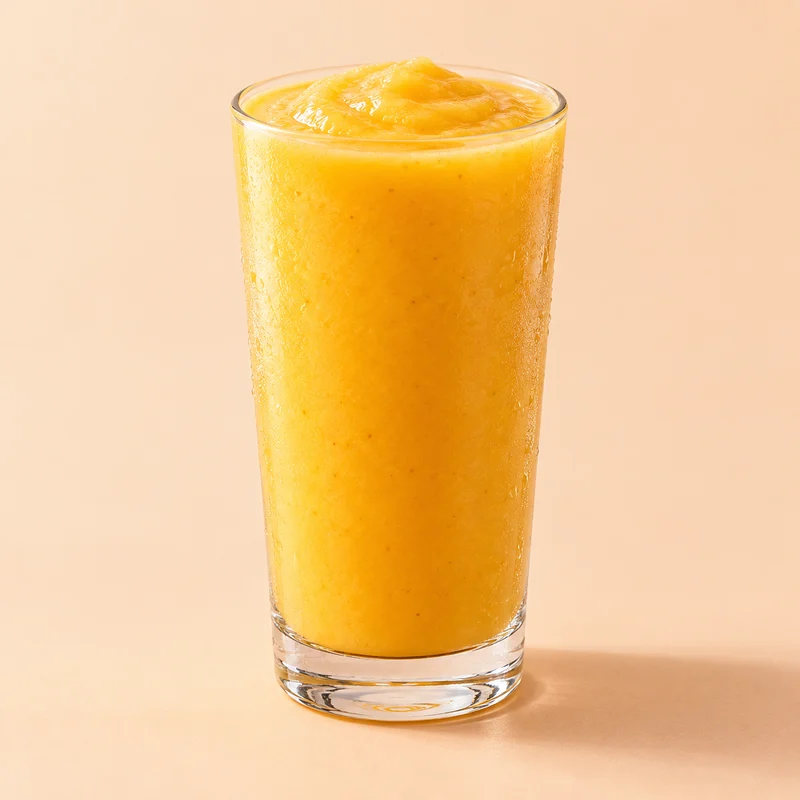
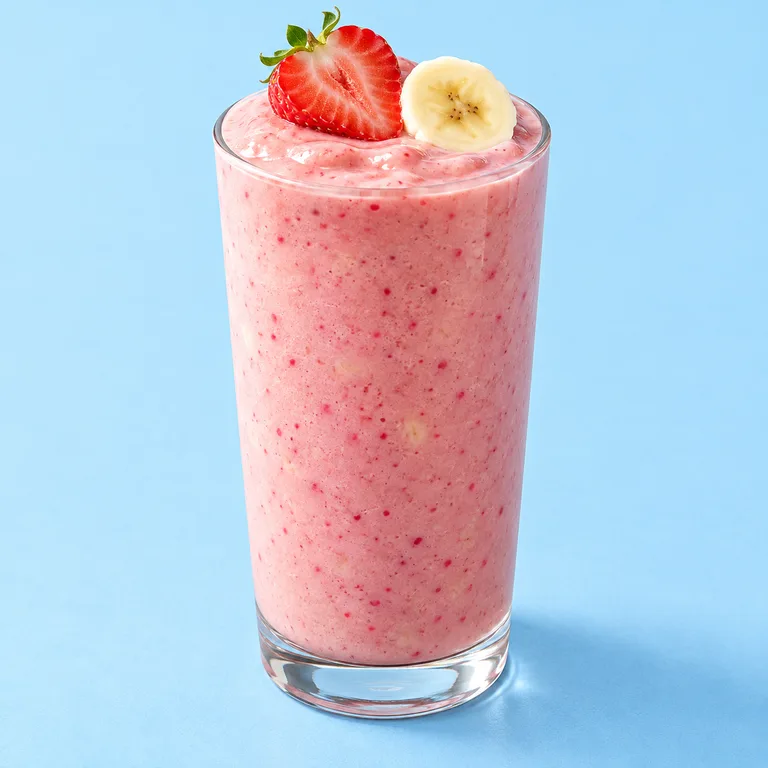
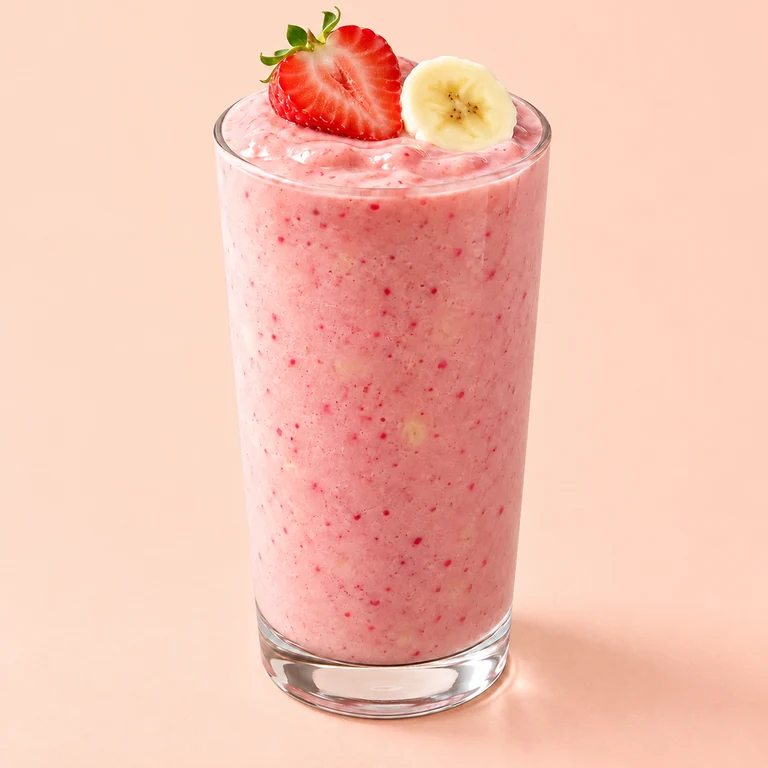
Strawberry and banana smoothie in two styles. Slide to compare.
Can't find the right photo? Create it right in the gallery with one of our curated backgrounds.
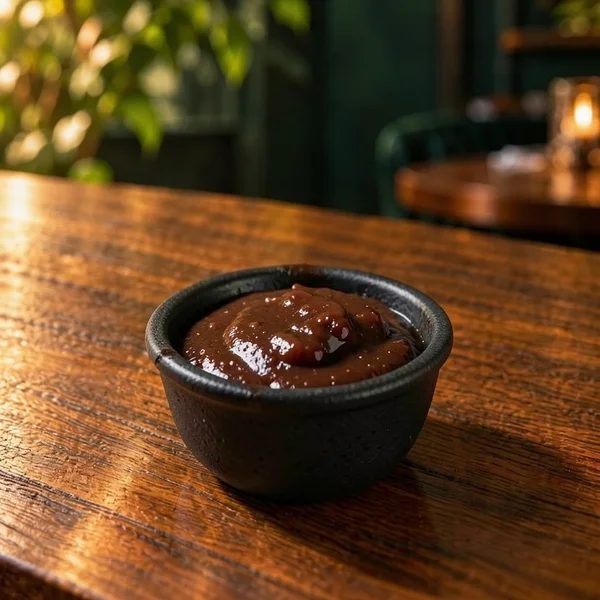 AI-generated
One product. Two atmospheres. Slide to compare.Explore the possibilities
Change a price or availability, then select “Publish changes”. See the result on the phone next to the editor.
Change the price. Mark an item as sold out.
 CappuccinoChange the price
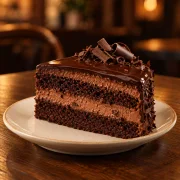 Chocolate cakeTap to change
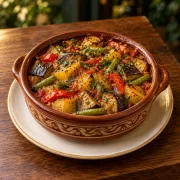 Lunch menuToday · 12:00–15:00
This is an example. It does not change your menu.
After publishing
Your first month is free. No card required.
Your first step towards a QR menu.
Your first month is free. No card required.
Start for free YOUR START INCLUDESEverything for your venue’s menu — photos, languages and easy daily updates.
€199 per year — save €39.80
Try Pro MORE FEATURES FOR YOUA plan tailored to your business.
For venues and chains that need more.
Contact us TAILORED TO YOUR NEEDSTell us what you need and we'll prepare a tailored proposal. Custom design and delivery terms are agreed separately.
Your QR code stays the same whenever you make changes.
All Pro features
| Feature | Free | Pro |
|---|---|---|
| Price | €0 for 30 days | €19.90/month or €99/year |
| Menus and items | 1 venue · up to 3 menus · up to 1,000 items per menu | 1 venue · up to 3 menus · up to 1,000 items per menu |
| Designs | All designs | All designs |
| Product photos | Full gallery and your own images for all items within the plan | Full gallery and your own images for all items within the plan |
| Guest menu languages | Bulgarian, English, German, French and Spanish | Bulgarian, English, German, French and Spanish |
| Automatic translation | 50,000 characters per month · review and edit before publishing | 50,000 characters per month · review and edit before publishing |
| AI photos | 10 AI images every month | 10 AI images every month |
| Editing and import | Editing, import, prices, allergens and availability within plan limits | Editing, import, prices, allergens and availability within plan limits |
| Personal product library | Up to 500 saved products · copy between your menus | Up to 500 saved products · copy between your menus |
| Combo offers | Choose products, quantities and a total price | Choose products, quantities and a total price |
| Scheduled promotions | Automatic activation and return to the regular price | Automatic activation and return to the regular price |
| Reservations | Online requests, automatic confirmation or approval, shared capacity and telephone reservations | Online requests, automatic confirmation or approval, shared capacity and telephone reservations |
| Lunch menu | Weekly schedule, selected dishes and separate lunch prices | Weekly schedule, selected dishes and separate lunch prices |
| Category display schedules | Days and hours for each category · venue time zone · overnight intervals | Days and hours for each category · venue time zone · overnight intervals |
| Pre-publication checks | Review zero prices, empty categories, missing descriptions and photos where the design uses them, and incomplete or outdated translations | Review zero prices, empty categories, missing descriptions and photos where the design uses them, and incomplete or outdated translations |
| Analytics | Opens, product views, additions to My picks and favourites · 7, 30 or 90 days | Opens, product views, additions to My picks and favourites · 7, 30 or 90 days |
| QR code and cards | Permanent QR code · downloads and table cards | Permanent QR code · downloads and table cards |
| Additional print materials | Printable menus and lunch specials | Printable menus and lunch specials |
| Social Pack | Cover, profile picture, menu introduction, opening hours, posts and stories in your menu’s style | Cover, profile picture, menu introduction, opening hours, posts and stories in your menu’s style |
| Branding | Without Menumexa branding | Without Menumexa branding |
The translation allowance is shared across all menus and languages and resets monthly. AI photos have a separate allowance. Statistics indicate interest, not orders or sales.
Explore the demo menu and try changing a price or availability above. These examples are platform demo menus.
For help with your first menu, photos or publishing.
contacts@menumexa.comNo. Guests scan the QR code and your menu opens in their phone's browser. No app or registration required.
Yes. Upload your photos, choose from our gallery or generate new images with AI right in the platform. You can combine all three in one menu.
No. Your QR code stays the same. Once you publish your changes, it opens the updated menu.
Yes. You edit a draft. Guests keep seeing your last published menu until you publish the changes.
Yes. Import a photo, PDF, spreadsheet or text. You can also photograph the page with your phone. Check the recognised items and prices against the original before adding them to your draft.
When access expires, your menu is hidden until payment. Your products and QR code are kept.
The menu is currently for browsing. Guests can collect items in “My selection” and show the list to their waiter. The list does not send an order or accept payment.